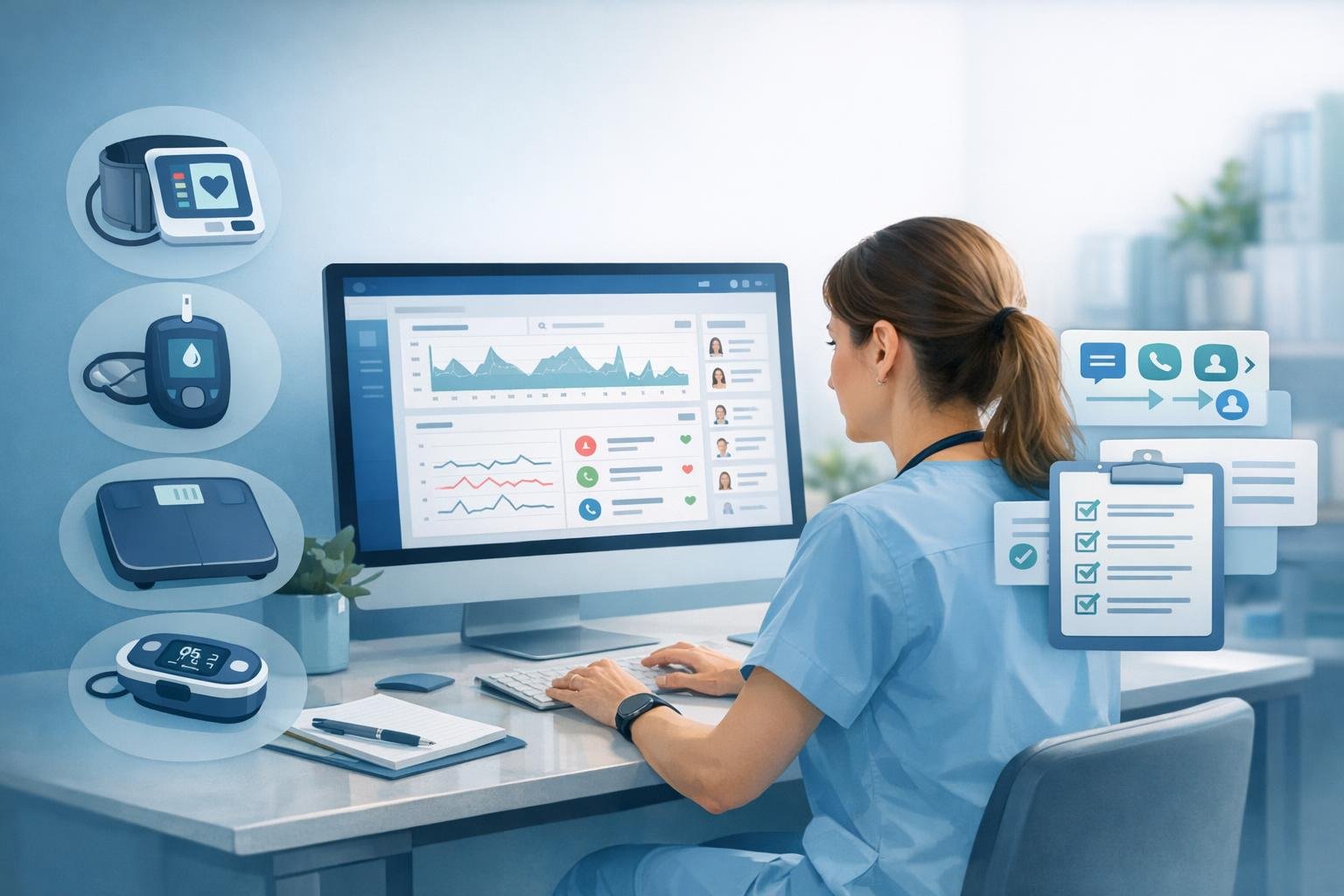
Running remote patient monitoring inside your own practice is completely doable.
You do not need a third-party RPM vendor taking a cut of your reimbursement, controlling the patient relationship, and limiting how your clinical team works. You need a clear workflow, a small starting cohort, compliant documentation, connected devices, and a system that keeps the work organized.
That is what FairPath is built to do.
FairPath gives practices the operational layer to run RPM, CCM, RTM, and APCM with their own team. It helps with eligibility, enrollment, device data, daily work queues, documentation, code readiness, billing records, and reconciliation support so clinicians can focus on care instead of month-end reconstruction.
This guide walks through the six steps to start an RPM program in a medical practice using FairPath.
Key Takeaways
- Running RPM in-house is realistic. You do not need to give a vendor a percentage of collections.
- FairPath handles the operational layer: eligibility, enrollment, device data, reviews, documentation, code readiness, and billing records.
- An established patient relationship is required before RPM billing. A connected medical device is also required.
- Start with five patients. Prove the workflow before you scale.
- FairPath maps patient conditions to valid programs, checks eligibility, supports billing readiness, and keeps the work visible for your team.
Established patient relationship required: RPM requires an established relationship between the patient and the billing practitioner before services can be billed. If the patient is new to your practice, establish the relationship first, then evaluate RPM enrollment.
Step 1: Qualify Your Patients
The first step is identifying which patients are appropriate candidates for RPM. Start with your EHR. Export a patient list that includes conditions and insurance information, then load it into FairPath, or let the FairPath team help with the import.
Once patients are in FairPath, the platform does the data work that usually consumes hours of manual review. FairPath can map each patient's chronic conditions to programs such as RPM, CCM, RTM, or APCM based on current operational rules and available patient information.
That mapping matters. If you enroll a patient using the wrong condition, the wrong program fit, or incomplete payer information, the issue shows up later as a billing problem. FairPath helps catch those issues before they become month-end surprises.
FairPath also supports insurance eligibility checks before enrollment. That does not guarantee payment. Payer policies vary, and requirements change. But it gives your team a better view before staff time, devices, and patient expectations are committed.
What FairPath supports in this step:
- Importing patient lists from an EHR export
- Mapping chronic conditions to potential programs such as RPM, CCM, RTM, or APCM
- Flagging patients whose conditions may not align with program requirements
- Checking insurance eligibility before enrollment
- Presenting a candidate list for practitioner review and approval
Your clinician still makes the clinical decision. A diagnosis list is a candidate source, not a final enrollment list.
| Condition | Typical device | What the data informs |
|---|---|---|
| Hypertension | Connected blood pressure cuff | Medication titration and care-plan review |
| Diabetes | Connected glucometer | Glucose trends and medication adjustment |
| Heart failure | Connected weight scale | Fluid retention and escalation risk |
| COPD | Connected pulse oximeter | Oxygen saturation and exacerbation risk |
Step 2: Obtain Patient Consent
Consent for RPM is not a checkbox. It is a patient conversation.
The patient needs to understand what remote monitoring means, what data will be collected, how the practice will use that data, what the patient needs to do, and what to expect from the care team.
FairPath supports this workflow directly. Your team can use FairPath to contact the patient, explain the program, record the consent conversation, deliver required education materials or documents, and store the consent record in the patient's file.
That means no separate consent spreadsheet, no scanned paper trail, and no searching later to prove whether consent happened.
When setup and education are completed, FairPath helps track billing readiness for the initial setup and education code, 99453. Your team should still complete its coding and compliance review, but the operational evidence is organized as the work happens.
Step 3: Assign a Connected Device
RPM requires a connected medical device. That is not optional.
The device must digitally collect and automatically transmit physiologic data into the monitoring workflow. A patient typing readings into a phone app, portal, or web form is not the same thing.
Device requirements usually include:
- An appropriate medical device for the patient's condition and monitored physiologic measure
- Digital transmission such as cellular, Bluetooth with a hub, or another reliable connection
- Automatic data flow into the monitoring workflow
- Operational reliability your practice can support at scale
FairPath supports numerous device manufacturers, but device choice still matters. Use devices that integrate reliably and meet the operational requirements for RPM. If your team is not sure which device to use, choose a small pilot cohort and validate the full setup before scaling.
The FairPath portal manages device assignment, shipment status, setup, first transmission, ongoing readings, and monitoring queues. Readings flow into FairPath so your team is not collecting patient-reported numbers by phone and trying to rebuild the record later.
Step 4: Run Monthly Reviews and Communication
RPM is a monthly operating rhythm, not a one-time setup.
Each month, your team needs to review device data, communicate with patients, document clinical actions, track time, and know which patients need attention. This is where most in-house RPM programs struggle. The clinical work may be straightforward. The operational work gets messy fast.
FairPath helps by putting reviews, reminders, alerts, and patient work queues in front of the clinical team. Instead of hunting through spreadsheets or deciding from memory who to call next, staff work from an organized queue.
When a clinician opens a patient in FairPath, the care plan, device readings, communication history, management time, documentation, and billing readiness status are together. The team reviews the data, communicates with the patient, documents the action, and moves to the next patient.
The RPM 16-day rule matters here. For the full-duration device code 99454, the device generally must transmit data on at least 16 days in a 30-day period. FairPath tracks transmitted days and flags patients who may fall short so your team can intervene before the period closes.
Treatment management codes also require qualifying management time and interactive communication. FairPath helps organize the time and communication records that support those decisions.
Step 5: Stay Compliant With Code Readiness Tracking
RPM billing rules are operationally difficult because the codes have different periods, thresholds, frequency limits, and documentation requirements.
FairPath helps by tracking code readiness as achievements are met. As device data accumulates, FairPath tracks whether the patient is approaching the device-day threshold. As management work occurs, FairPath tracks time, communication, documentation, and service-period status.
The goal is not to replace coding judgment. The goal is to give your qualified coding, compliance, and clinical reviewers a complete operational record instead of a messy month-end reconstruction.
| Code | What it generally supports | Operational focus |
|---|---|---|
| 99453 | Initial setup and patient education | Setup, education, and first transmission evidence |
| 99454 | Device supply and data transmission | 16 or more transmitted days in a 30-day period, when supported |
| 99457 | First 20 minutes of treatment management | Qualifying time plus interactive communication |
| 99458 | Additional treatment management time | Additional qualifying increments after 99457 |
| 99091 | Separate collection and interpretation pathway | Physician or qualified professional requirements and separate applicability |
Use current licensed CPT materials and payer guidance for exact descriptors, instructions, and policy-year requirements.
Step 6: Bill and Reconcile
FairPath does not replace your billing team. It feeds your billing workflow.
FairPath creates billing records that include the code, service period, supporting documentation, and billing readiness status. Your billing team or billing service still reviews, submits, and manages the claim process.
For practices that want deeper connectivity, FairPath can connect with supported EMR and billing workflows so approved billing records can move with less manual re-entry. The practical benefit is simple: fewer handoffs, fewer missing details, and a clearer path from clinical work to billing review.
| FairPath supports | Your team controls |
|---|---|
| Patient identification and condition-to-program mapping | Clinical review and approval |
| Eligibility checks and enrollment workflows | Medical necessity and treatment planning |
| Consent records and education delivery | Patient communication and care decisions |
| Device management and data ingestion | Device selection, setup, and patient support |
| Monitoring queues and alert routing | Clinical review, escalation, and documentation |
| Code readiness and billing records | Final coding, compliance review, and claim submission |
Start Small: Five Patients, Not Fifty
Start with five patients.
Not fifty. Not five hundred. Five.
The goal of the first cohort is to prove that the workflow works end to end: qualification, consent, device assignment, data transmission, monthly reviews, documentation, code readiness, billing records, and reconciliation.
That is how FairPath pilots should be run. Import a patient list, select a few strong candidates, train the team on the workflow, and watch the first month closely. If the first cohort works, scale gradually.
| Phase | Focus | What to watch |
|---|---|---|
| Days 1-30 | Prove the workflow | Device delivery, setup, first transmissions, first reviews, billing-readiness review |
| Days 31-60 | Fix friction | Missing data, staff time, scripts, patient engagement, nonbillable periods |
| Days 61-90 | Evaluate the model | Clinical usefulness, documentation quality, economics, and scale readiness |
Why FairPath Makes In-House RPM Work
Practices outsource RPM because the operational burden is real: eligibility, consent, devices, daily monitoring, patient communication, documentation, time tracking, billing readiness, and reconciliation.
Outsourcing can reduce that burden, but it often means giving up revenue, control, and flexibility.
FairPath changes the model. Your practice keeps the patient relationship. Your clinicians do the clinical work. Your billing team stays in control of claims. FairPath handles the operational layer that makes the program manageable.
No percentage-of-collections vendor model. No need to hand off the patient relationship. No black box between your team and the work.
Frequently Asked Questions
What is the first step in starting an RPM program?
Load a patient list into FairPath with conditions and insurance information. FairPath helps identify candidates, map conditions to potential programs, and check eligibility. Your clinician reviews and approves the final list.
How many patients should we start with?
Five. Start with a cohort small enough to observe every step and fix workflow issues before scaling.
Does RPM require an established patient relationship?
Yes. The patient must have an established relationship with the billing practitioner before RPM services can be billed.
What devices qualify for RPM?
RPM requires a connected medical device that digitally collects and automatically transmits physiologic data. Manual patient entry does not satisfy that operational requirement.
Can clinical staff perform RPM work?
Qualified clinical staff may perform permitted treatment-management work under required supervision, scope, payer rules, and practice policy. The billing practitioner directs the service and retains responsibility.
Can RPM and APCM be used for the same patient?
They may fit together when each service is medically necessary and separately supported, but time and activities cannot be counted twice. FairPath helps teams see when a patient may qualify for multiple programs.
Is RPM profitable for a medical practice?
It can be sustainable when collected revenue exceeds devices, software, labor, and overhead. FairPath does not take a percentage of collections, but profitability is practice- and payer-specific and should be modeled conservatively.
Related FairPath Resources
- Remote Patient Monitoring Guide
- The RPM 16-Day Rule
- The Block Stretching Trap in RPM 99454
- Block Gapping Risk in RPM 99454
- APCM vs. CCM
Sources
- CMS: Medicare Physician Fee Schedule
- CMS: Connected Care and Chronic Care Management resources
- FDA: Device Advice, Comprehensive Regulatory Assistance
- FairPath: Practices
- FairPath: Platform
CPT is a registered trademark of the American Medical Association. Use current licensed CPT materials for exact code descriptors and instructions.
Editorial and compliance note: This article provides general operational information, not medical, legal, coding, or reimbursement advice. Requirements vary by payer, patient, service period, jurisdiction, and policy year. Practices should verify requirements with qualified clinical, coding, legal, and compliance professionals before billing.