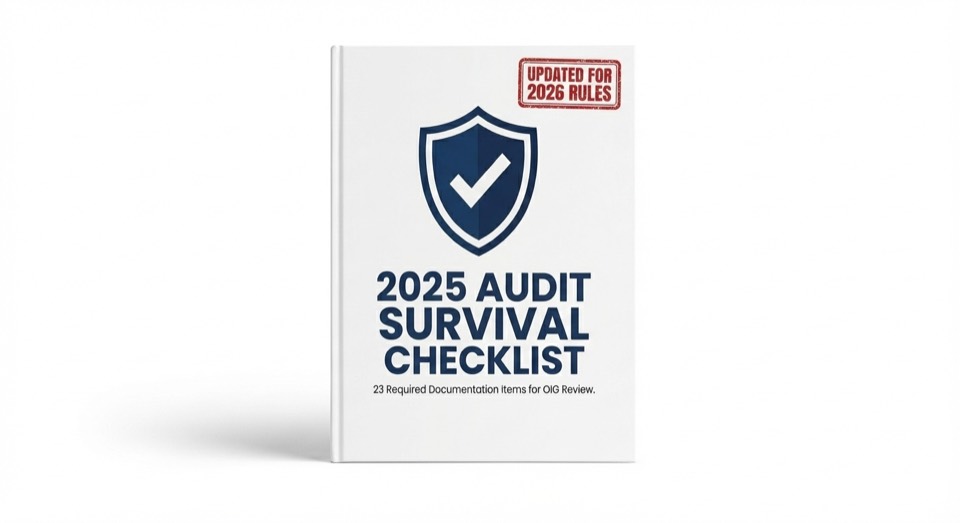
RPM Manual
The practical 2026 guide to device rules, day thresholds, management time, and audit defensibility for Remote Patient Monitoring.
Read the RPM Guide →
A curated reference library for RPM, APCM, CCM, RTM, and payer policy.
Built for practice owners, RCM leaders, and clinical operations teams.

Official PDFs still show Jan 1, but the policy is delayed. Here is the strategy.
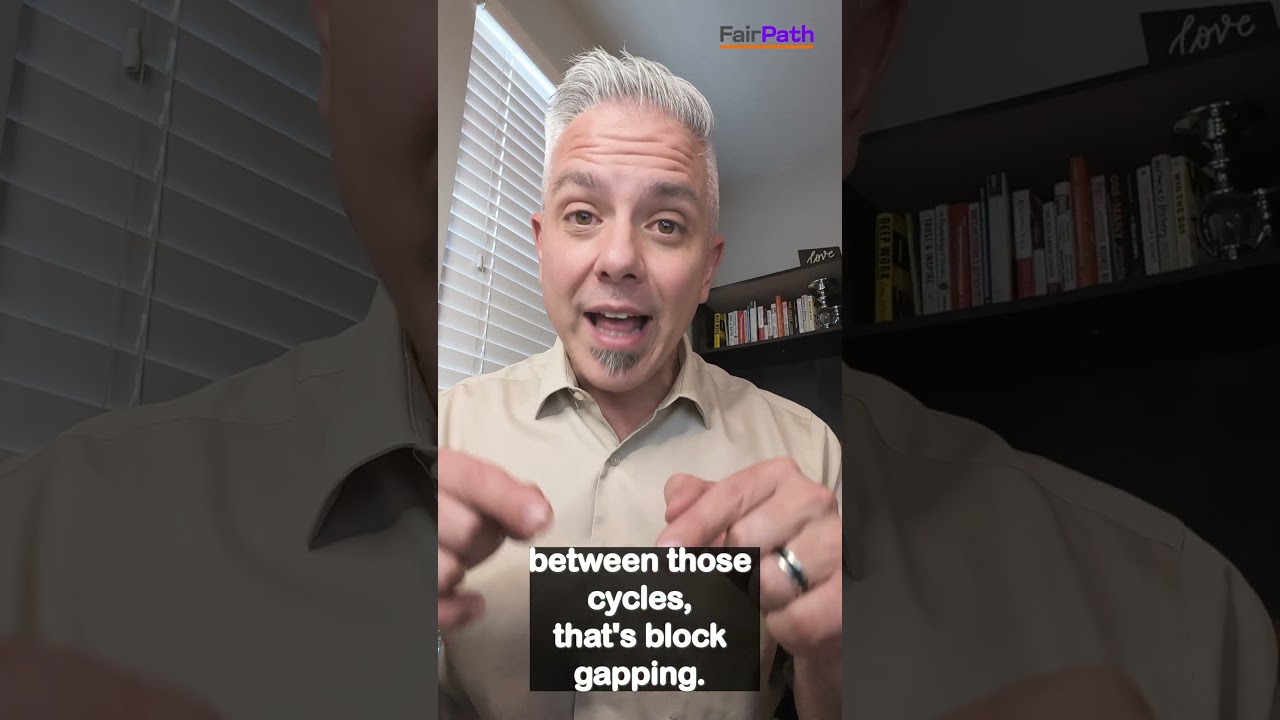
Why pausing billing cycles creates gaps that auditors target.
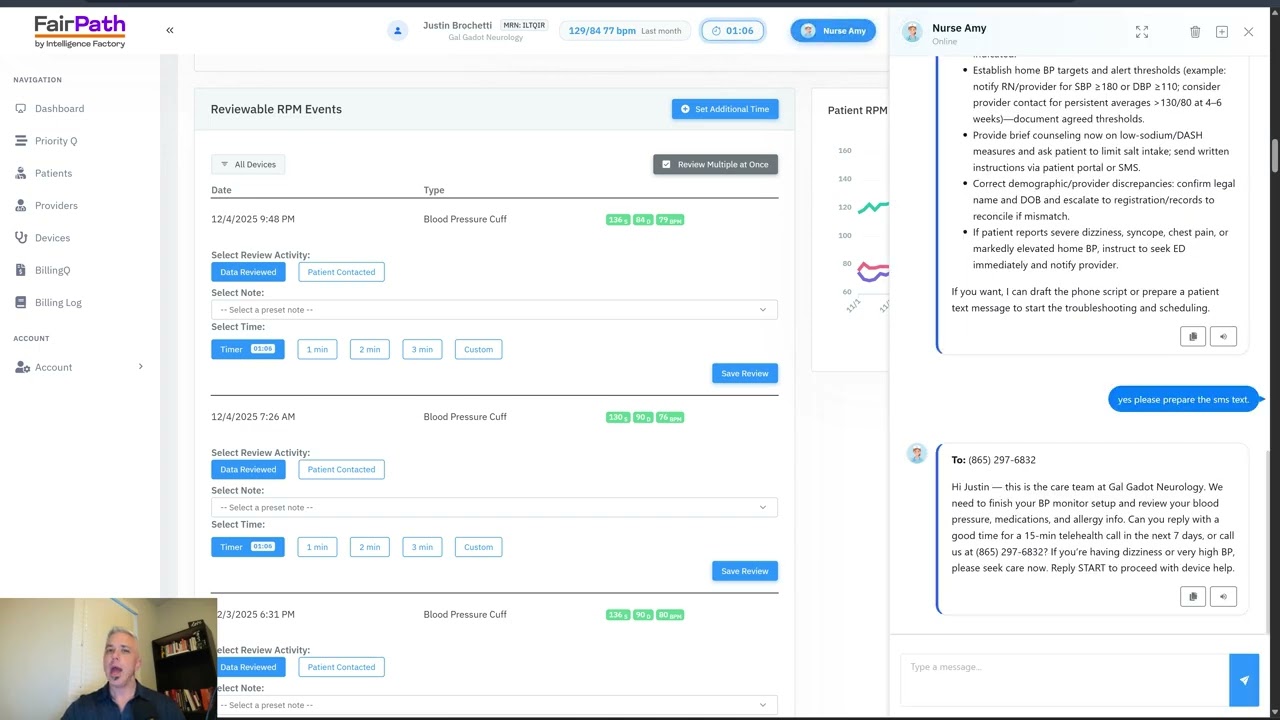
Block "Ghost Minutes" and automate the CPT 99457 timer.
Codes 99453, 99454, 99457
Codes G0556 - G0558
Codes 99490, 99491
Codes 98975, 98977
A strategic primer on payment models, quality metrics, and where 2026 shifts put pressure on margin.
How to track quality, utilization, and cost without losing operational control.
Where CCM fits in value-based contracts and what outcomes it supports.
How RPM closes quality gaps and reduces avoidable utilization.
Therapy adherence signals that improve outcomes for musculoskeletal and chronic care.
Integrating medication therapy management into risk-based reimbursement.
Reducing readmissions while meeting continuity and documentation requirements.
Closing care gaps with preventive services that lift quality scores.

Physiological vs. Therapeutic data signals explained.
Why extending billing windows to “reach 16 days” misstates the billed unit and creates denial risk.
How pausing cycles until adherence returns can resemble period manipulation and create audit exposure.
Authoritative breakdown of the new 2–15 day and 10–19 minute rules--and how to automate them safely.
How RTM supply/time windows change, plus therapy modifiers and assistant rules.
Anthem’s 12/18/2025 guideline update adds 2–15 day and 10-minute codes, forcing new eligibility and documentation logic.
Why attribution and evidence controls still matter despite shorter thresholds.
Once-per-month APCM logic and bundled services you cannot stack.
Why CMS treats eligibility and continuity as one monthly system.
One-page operational checklist covering BH add-ons and guardrails.
Why G0568/G0569/G0570 must be billed by the same practitioner in the same month as APCM.
End-of-year reporting requirements, practitioner responsibilities, and audit-ready documentation steps.
Practical guidance on APCM eligibility, billing rules, and implementation readiness.
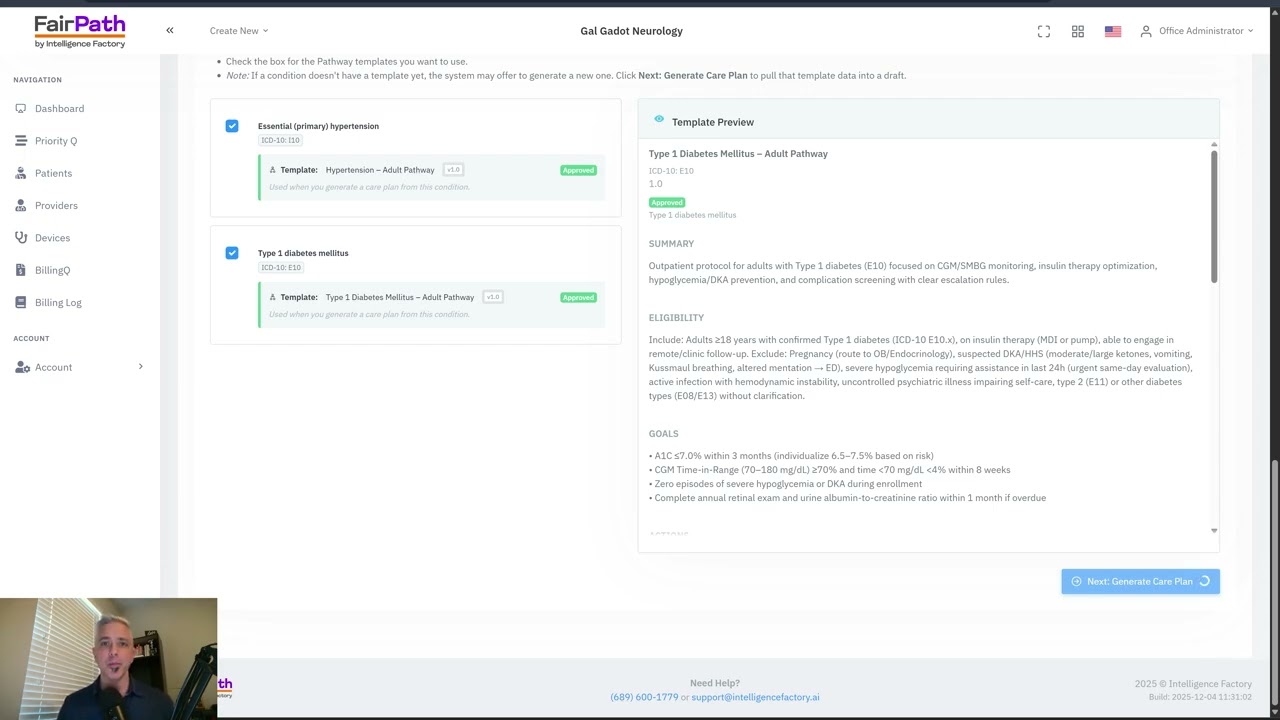
Constructing a multi-condition protocol in 90 seconds.
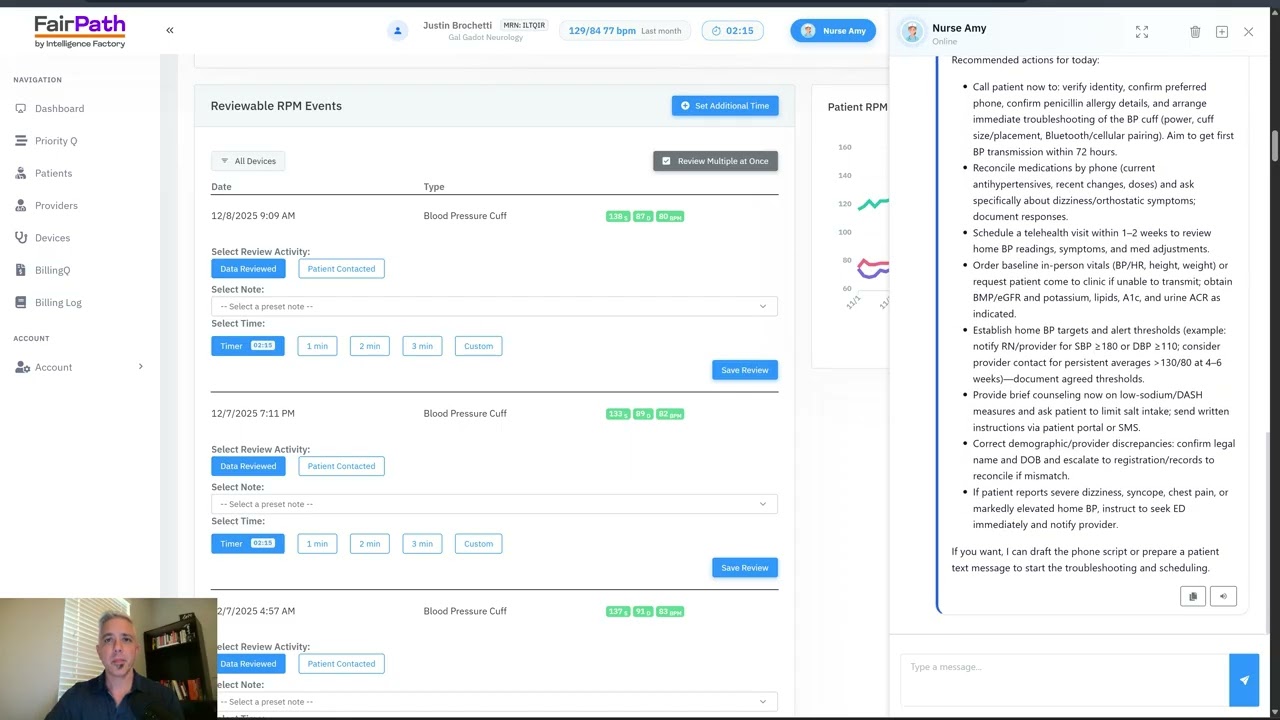
Using agentic AI to solve device issues and filter alerts.
The most common oversight triggers--from stacking to missing evidence.
Understand the oversight cycle and defensive workflows before fieldwork starts.
Why revenue share creates AKS and Stark risk in RPM, CCM, and RTM vendor contracts.
How Part D adherence signals can contradict RPM billing--and how to neutralize the audit risk.
What changed in the Jan 1 tables and how MAI drives denials.
Documenting immediate availability under permanent A/V rules.
Replacing wrapper codes with component evidence.

How extending billing cycles dilutes your annual revenue.

Why adding 500 patients in one month triggers an audit.

Why indemnification clauses don't stop the OIG.
Strategy when a major payer narrows RPM indications.
Operational guidance for the mismatch between delay communications and written policy.
Eligibility and documentation playbook for narrowing coverage.
Operationalizing enrollment and device posture.
Fixing CO-24 denials and bundle logic.
How OPPS data influences rates and volatility.
APCM, BHI add-ons, RPM/RTM implications, and operational automation steps.
How APCM reshapes economics and why vendor splits erode margin.
How CMS is re-weighting care management around attribution integrity.
Telepharmacy, remote dispensing, and value-based care tactics for expanding pharmacy revenue without expanding real estate.
How independent pharmacies can power care coordination when RHCs shift to unbundled billing in 2026.
How pharmacies can build a compliant incident to operating model that unlocks APCM billing with a partner clinician.
Operational controls that separate clinical intent from dispensing work to reduce Part B audit exposure.
Align RTM payments with deprescribing work when better clinical care means fewer fills.
Generate a confidential RPM Fraud Risk report based on the same OIG fraud red-flag signals auditors already monitor.
Estimate stable, predictable monthly revenue under Advanced Primary Care Management.
See how practices use FairPath to automate compliance, tighten documentation, and build durable remote-care operations.
Use the calculator to compare RPM, APCM, CCM, and hybrid models based on your panel and payer mix.
Open the Revenue CalculatorWhile most platforms simply record what happened, FairPath actively runs the program. It continuously monitors every patient, staff action, and billing rule across CCM, RPM, RTM, and APCM, intervening immediately when a requirement is missed.
This allows you to scale your own program without losing quality, breaking trust with physicians, or losing control of your revenue. We provide the precision of an automated medical director without the chaos.
FairPath is built on operational work, not theory. We publish the playbooks and checklists we use to keep programs compliant and profitable. Use them whether you run FairPath or not.
Browse the Expert Library →The practical 2026 guide to device rules, day thresholds, management time, and audit defensibility for Remote Patient Monitoring.
Read the RPM Guide →How to run Remote Therapeutic Monitoring for MSK, respiratory, and CBT workflows with the correct 9897x and 9898x rules.
Read the RTM Guide →Calendar-month operations for CCM: consent, initiating visit, care plan requirements, time counting, and concurrency rules.
Read the CCM Guide →The operator blueprint for Advanced Primary Care Management: eligibility, G0556–G0558 tiers, and monthly execution.
Read the APCM Playbook →